
So you have an idea for a brand new app. You install Laravel, you're ready to get started. What's the first thing you should do?
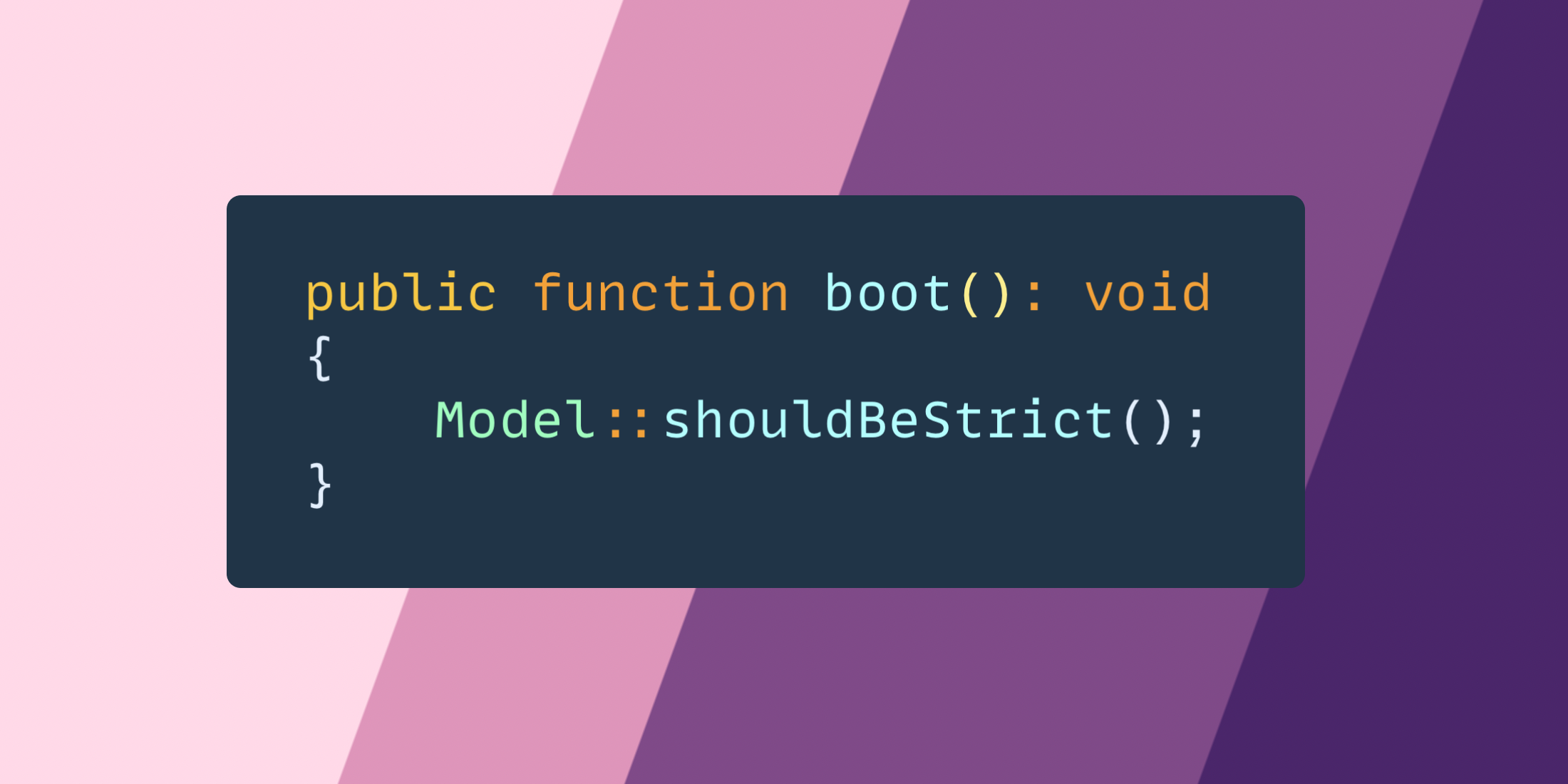
For me, I open up the app service provider and go down to the boot method and set the global Model::shouldBeStrict():
public function boot(): void
{
Model::shouldBeStrict();
}
With this turned on it does the following:
public static function shouldBeStrict(bool $shouldBeStrict = true)
{
static::preventLazyLoading($shouldBeStrict);
static::preventSilentlyDiscardingAttributes($shouldBeStrict);
static::preventAccessingMissingAttributes($shouldBeStrict);
}
This does three things:
* Prevents lazy loading
* It prevents silently discarding attributes.
* It prevents accessing missing attributes.
Preventing Lazy Loading
Here is an example of lazy loading.
$articles = \App\Models\Article::get();
foreach ($articles as $article) {
echo " * " . $article->user->name . "
\n";
}
If you run this, it will output what you expect. However, it’s lazy loading the user relationship, causing a new query for every loop.
With shouldBeStrict turned on instead of running the code you’ll get an error giving you instant feedback:
Attempted to lazy load [user] on model [App\Models\Article] but lazy loading is disabled.
Prevent Silently Discarding Attributes
Here is an example showing trying to update an attribute that is not fillable:
$user->fill(["remember_token" => "bar"]);
Now this will return an exception:
Add fillable property [remember_token] to allow mass assignment on [App\Models\User].
Prevent Accessing Missing Attributes.
Let’s pretend we are trying to display a property on the User that may not exist:
{{ $user->nonexistant }}
By default, Laravel will just not display anything because the property is not found, but with Strict mode turned on you get:
The attribute [nonexistant] either does not exist or was not retrieved for model [App\Models\User].
This really helps in cases where you might make a spelling mistake like:
{{ $user->emial }}
Now, you’ll get instant feedback you messed up.
Turning on Model::shouldBeStrict() is now the first thing I do on every app, and it helps prevent me from making basic mistakes that could be harmful to the app later on.
The post Use Model shouldBeStrict when starting a new Laravel app appeared first on Laravel News.
Join the Laravel Newsletter to get Laravel articles like this directly in your inbox.
No comments:
Post a Comment
Thanks