CoderFunda
  • Home
  • About us
    • Contact Us
    • Disclaimer
    • Privacy Policy
    • About us
  • Home
  • Php
  • HTML
  • CSS
  • JavaScript
    • JavaScript
    • Jquery
    • JqueryUI
    • Stock
  • SQL
  • Vue.Js
  • Python
  • Wordpress
  • C++
    • C++
    • C
  • Laravel
    • Laravel
      • Overview
      • Namespaces
      • Middleware
      • Routing
      • Configuration
      • Application Structure
      • Installation
    • Overview
  • DBMS
    • DBMS
      • PL/SQL
      • SQLite
      • MongoDB
      • Cassandra
      • MySQL
      • Oracle
      • CouchDB
      • Neo4j
      • DB2
      • Quiz
    • Overview
  • Entertainment
    • TV Series Update
    • Movie Review
    • Movie Review
  • More
    • Vue. Js
    • Php Question
    • Php Interview Question
    • Laravel Interview Question
    • SQL Interview Question
    • IAS Interview Question
    • PCS Interview Question
    • Technology
    • Other

18 September, 2024

Validate Console Command Input With the Command Validator Package

 Programing Coderfunda     September 18, 2024     No comments   

---


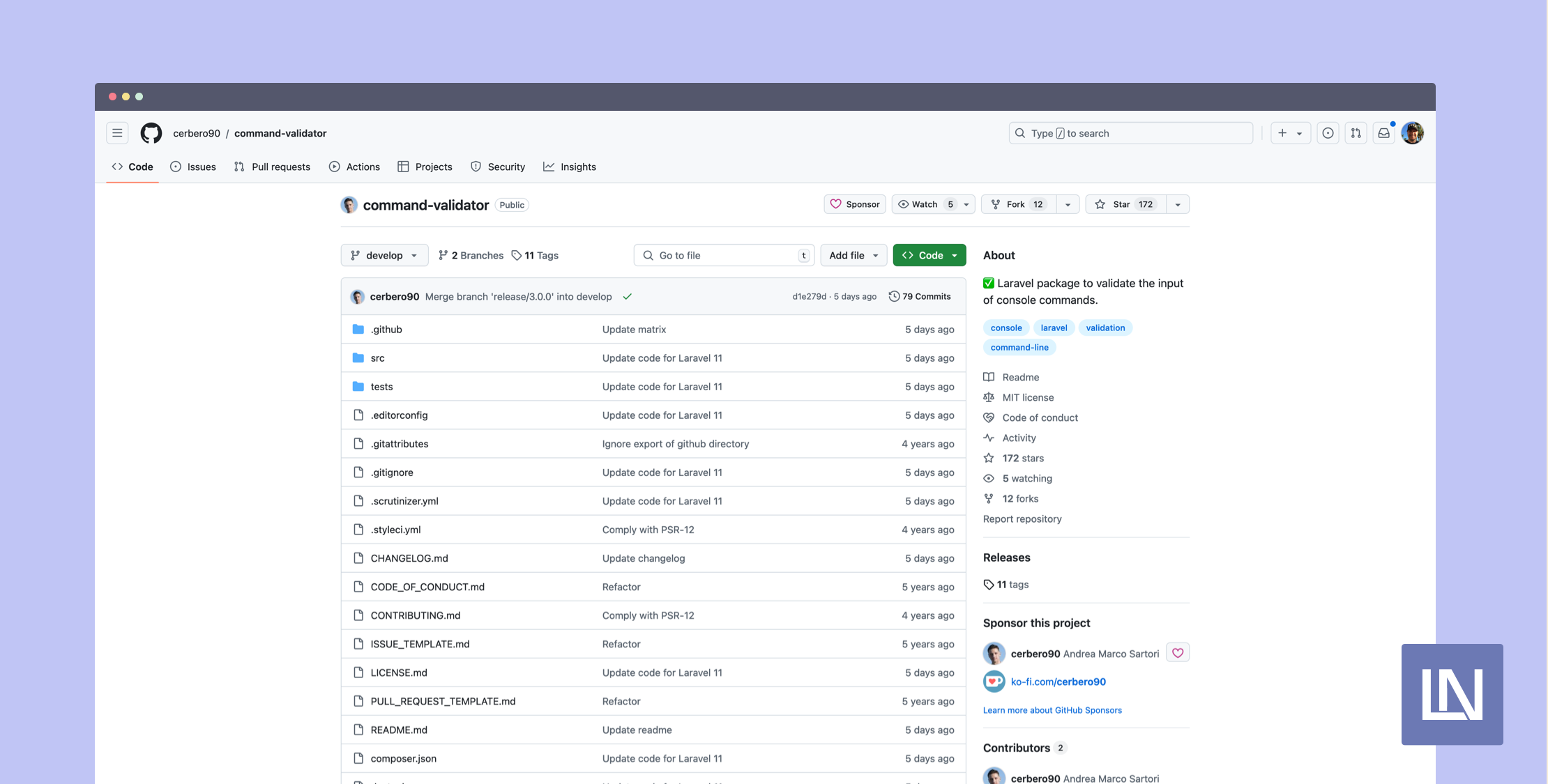
The Command Validator package by Andrea Marco Sartori makes validating the input of console commands a cinch using Laravel's beloved Validator. All the Laravel Validator rules you know and love work with this package, along with any custom validation rules.


This package integrates with your application's console commands using the provided ValidatesInput trait, which includes an abstract rules() method. The command signature looks like the following:
namespace App\Console\Commands;

use Illuminate\Console\Command;
use Cerbero\CommandValidator\ValidatesInput;

class SampleCommand extends Command
{
use ValidatesInput;

protected $signature = 'app:sample {--start-date=}';

// ...

public function rules(): array
{
return ['start-date' => 'date_format:Y-m-d'];
}
}


I find it really neat that you can use a closure-based custom validation rule directly in your console command with command-specific business logic:

public function rules(): array
{
return [
'start-date' => [
'date_format:Y-m-d',
function (string $attribute, mixed $value, Closure $fail) {
$date = Carbon::parse($value);
$startOfYear = Carbon::now()->startOfYear();

if ($date->lessThan($startOfYear)) {
$fail("The {$attribute} must be a date from {$startOfYear->format('Y-m-d')} or later.");
}
}
],
];
}


When validation passes, you know you're working with valid input, and your handle() method can stay clean from manual validation checks.


Another neat use-case using the built-in validation rules is validating that an input exists in the database automatically with the exists rule:
public function rules(): array
{
return ['user-id' => 'exists:users,id'];
}


Sure, you could easily query a user and conditionally return an error, but I think it's neat that you can validate it using exists automatically and give back a default error message when a record doesn't exist.


You can use this package in your project by installing it via Composer:
composer require cerbero/command-validator


Learn more about this package, get full installation instructions, and view the source code on GitHub.


The post Validate Console Command Input With the Command Validator Package appeared first on Laravel News.


Join the Laravel Newsletter to get Laravel articles like this directly in your inbox.
  • Share This:  
  •  Facebook
  •  Twitter
  •  Google+
  •  Stumble
  •  Digg
Email ThisBlogThis!Share to XShare to Facebook
Newer Post Older Post Home

0 comments:

Post a Comment

Thanks

Meta

Popular Posts

  • Running PHPStan on max with Laravel
      Over the last few years static analysis in PHP, and more specifically Laravel, has become more and more popular. With more people adopting...
  • Spring Security PreAuthorize using multi-value enum
    I have a annotation that is declared as follows. @Retention(RetentionPolicy.RUNTIME) @Target(ElementType.METHOD) @PreAuthorize("hasA...
  • CodeIgniter - Form Validation
    Validation is an important process while building web application. It ensures that the data that we are getting is proper and valid to store...
  • SQL UPDATE Statement
      The SQL UPDATE Statement The UPDATE statement is used to modify the existing records in a table. UPDATE Syntax UPDATE   table_name SET   c...
  • Automaticall generate pass through to child object function
    I would like to automatically forward a function call to a child in python, so that the parent class has said function and then forwards the...

Categories

  • Ajax (26)
  • Bootstrap (30)
  • DBMS (42)
  • HTML (12)
  • HTML5 (45)
  • JavaScript (10)
  • Jquery (34)
  • Jquery UI (2)
  • JqueryUI (32)
  • Laravel (1017)
  • Laravel Tutorials (23)
  • Laravel-Question (6)
  • Magento (9)
  • Magento 2 (95)
  • MariaDB (1)
  • MySql Tutorial (2)
  • PHP-Interview-Questions (3)
  • Php Question (13)
  • Python (36)
  • RDBMS (13)
  • SQL Tutorial (79)
  • Vue.js Tutorial (69)
  • Wordpress (150)
  • Wordpress Theme (3)
  • codeigniter (108)
  • oops (4)
  • php (853)

Social Media Links

  • Follow on Twitter
  • Like on Facebook
  • Subscribe on Youtube
  • Follow on Instagram

Pages

  • Home
  • Contact Us
  • Privacy Policy
  • About us

Blog Archive

  • July (4)
  • September (100)
  • August (50)
  • July (56)
  • June (46)
  • May (59)
  • April (50)
  • March (60)
  • February (42)
  • January (53)
  • December (58)
  • November (61)
  • October (39)
  • September (36)
  • August (36)
  • July (34)
  • June (34)
  • May (36)
  • April (29)
  • March (82)
  • February (1)
  • January (8)
  • December (14)
  • November (41)
  • October (13)
  • September (5)
  • August (48)
  • July (9)
  • June (6)
  • May (119)
  • April (259)
  • March (122)
  • February (368)
  • January (33)
  • October (2)
  • July (11)
  • June (29)
  • May (25)
  • April (168)
  • March (93)
  • February (60)
  • January (28)
  • December (195)
  • November (24)
  • October (40)
  • September (55)
  • August (6)
  • July (48)
  • May (2)
  • January (2)
  • July (6)
  • June (6)
  • February (17)
  • January (69)
  • December (122)
  • November (56)
  • October (92)
  • September (76)
  • August (6)

Loading...

Laravel News

Loading...

Copyright © CoderFunda | Powered by Blogger
Design by Coderfunda | Blogger Theme by Coderfunda | Distributed By Coderfunda